
Human Machine Interface (HMI)
Industrial HMI Malaysia for Smarter Machine Control
Connect operators to machines with reliable Human Machine Interface (HMI) solutions for machine control, production monitoring, remote connectivity and factory data management.
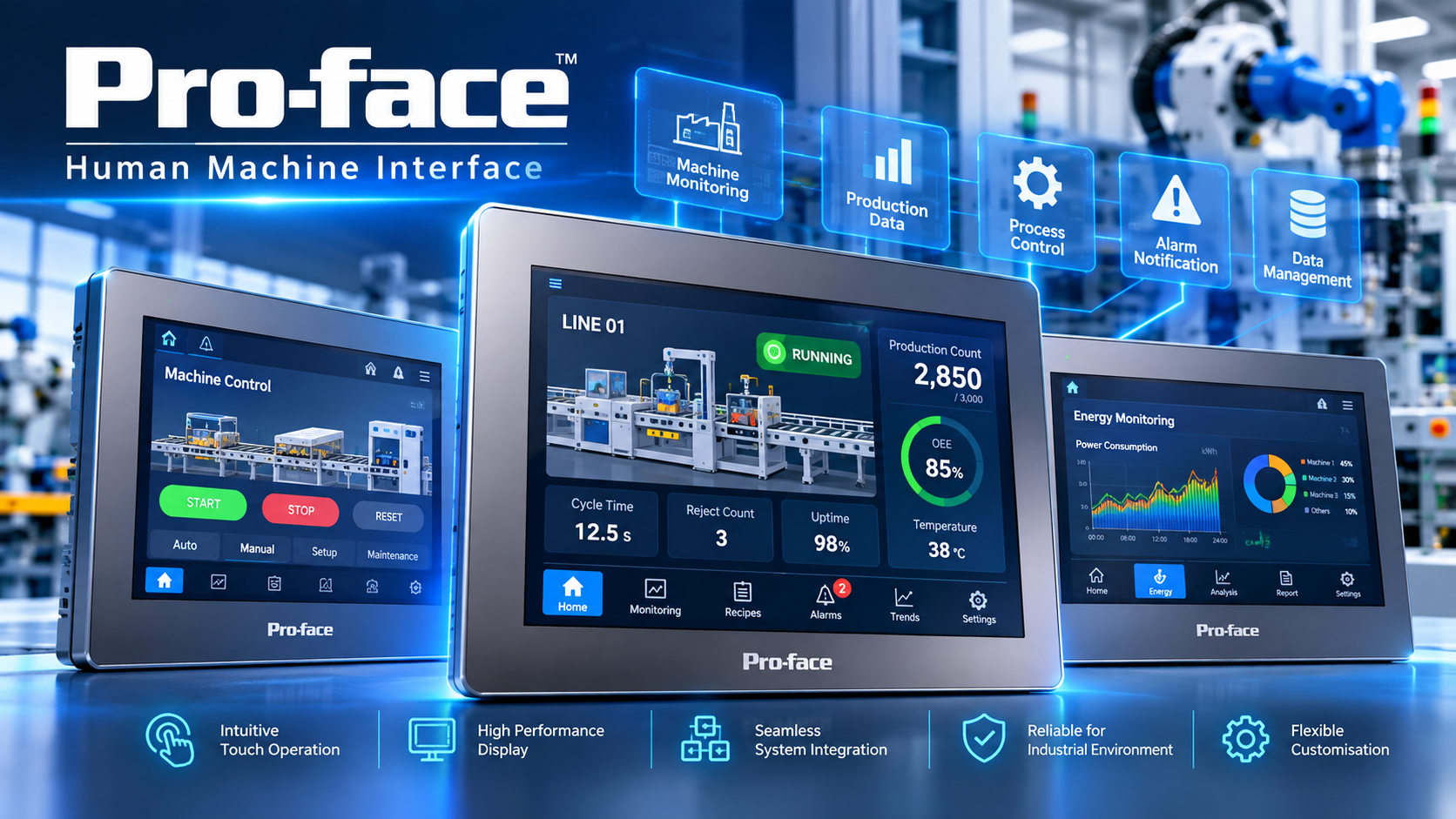
What Is an HMI and Why Does It Matter?
A Human Machine Interface (HMI) provides the connection between operators and industrial machines. Instead of relying on basic controls alone, a modern HMI gives operators a clear interface to monitor machine conditions, control processes and access production information.
For modern manufacturing environments, HMI can also form part of a connected factory architecture involving PLCs, databases, OEE, production monitoring, traceability, IIoT and MES.
What Can an Industrial HMI Do?
HMI technology can support machine operators, production teams and manufacturing engineers across different industrial applications.
Machine Control
Provide operators with an intuitive interface for machine operation, settings, status information and control.
Production Monitoring
Display production information, machine status, operating conditions and production performance closer to the shop floor.
Remote Monitoring
Support remote access to machine information where the selected HMI platform provides suitable connectivity.
OEE Visibility
Bring production performance information closer to operators and connect HMI applications with wider OEE workflows.
Data Management
Collect and display production information while supporting connections to databases and other factory systems.
Traceability
Support production history, machine information and factory data management through appropriate connectivity.
How to Choose the Right Industrial HMI
Choosing an HMI is not simply about screen size. The right solution should match your machine, operator workflow, communication requirements and future automation needs.
Screen Size
Select a display size that gives operators enough space to view machine information, controls, alarms and production data.
CPU Processing Power
Match processing capability to the complexity of the HMI application, graphics, data and operator functions.
Industrial Connectivity
Consider PLC communication, Ethernet, serial communication, databases, remote access and other required interfaces.
Migration & Expansion
Consider future upgrades, product lifecycle, application migration and expansion requirements before selecting the HMI.
From Operator Interface to Connected Factory
A modern industrial HMI can become an important connection point between operators, machines and wider factory systems.
Operator
Control machines and access information through an intuitive operator interface.
Machine
Exchange information with PLCs, controllers, machines and industrial devices.
Factory Systems
Connect production information with databases and higher-level systems where required.
Digital Factory
Support OEE, traceability, production monitoring and smart manufacturing workflows.
Key HMI Capabilities for Industrial Applications
The ideal HMI configuration depends on your machine, process, environment and digitalisation requirements.
High-Visibility Display
Select screen sizes and display capabilities appropriate for operator information and machine monitoring.
Responsive Processing
Match CPU performance to the complexity of your application, graphics and operator workflow.
Remote Access
Enable remote viewing or operation where supported by the selected HMI platform and network architecture.
Database Connectivity
Connect HMI applications with databases for production information, storage and traceability.
I/O & Device Connectivity
Consider PLCs, I/O, sensors and other industrial devices required by the machine architecture.
Alarms & Trends
Display alarms, trends, operational information and statistical data to support faster decision making.
HMI Brands We Support
Explore HMI and industrial interface solutions available through Sciengate Automation Malaysia. All product information is managed within the Sciengate website.
Pro-face
Industrial HMI and operator interface solutions for machine automation, production monitoring and industrial control applications.
Industrial HMIFuji Electric
Industrial HMI solutions for machine and process automation, operator panels and advanced control applications.
Automation HMIWECON
HMI solutions for industrial machine operation, automation control, IIoT connectivity and smart manufacturing applications.
Industrial HMITouch Think
Industrial touchscreen, panel PC and industrial computing solutions for machine interface and factory automation.
Touch HMIHMI for a More Connected Factory
HMI can become more than a touchscreen. When connected to machines, production data and factory systems, it can become part of a wider manufacturing digitalisation strategy.
Choose an HMI Based on the Application — Not Just the Screen
Sciengate can help evaluate the application requirements before selecting the HMI platform and configuration.
Application Assessment
Understand machine functions, operator workflow, communication requirements, data needs and operating conditions.
HMI Selection
Match screen size, processing capability, communication, environmental protection and application requirements.
Integration
Connect the HMI with PLCs, machines, databases and other factory systems where required.
Choosing an HMI for Your Next Machine or Factory Project?
Tell us about your machine, PLC, application, screen size, communication requirements or factory digitalisation goals. Our team can help you identify a suitable HMI solution.